

STEP IN 2 IT · QA & TEST AUTOMATION · TORONTO & GTA
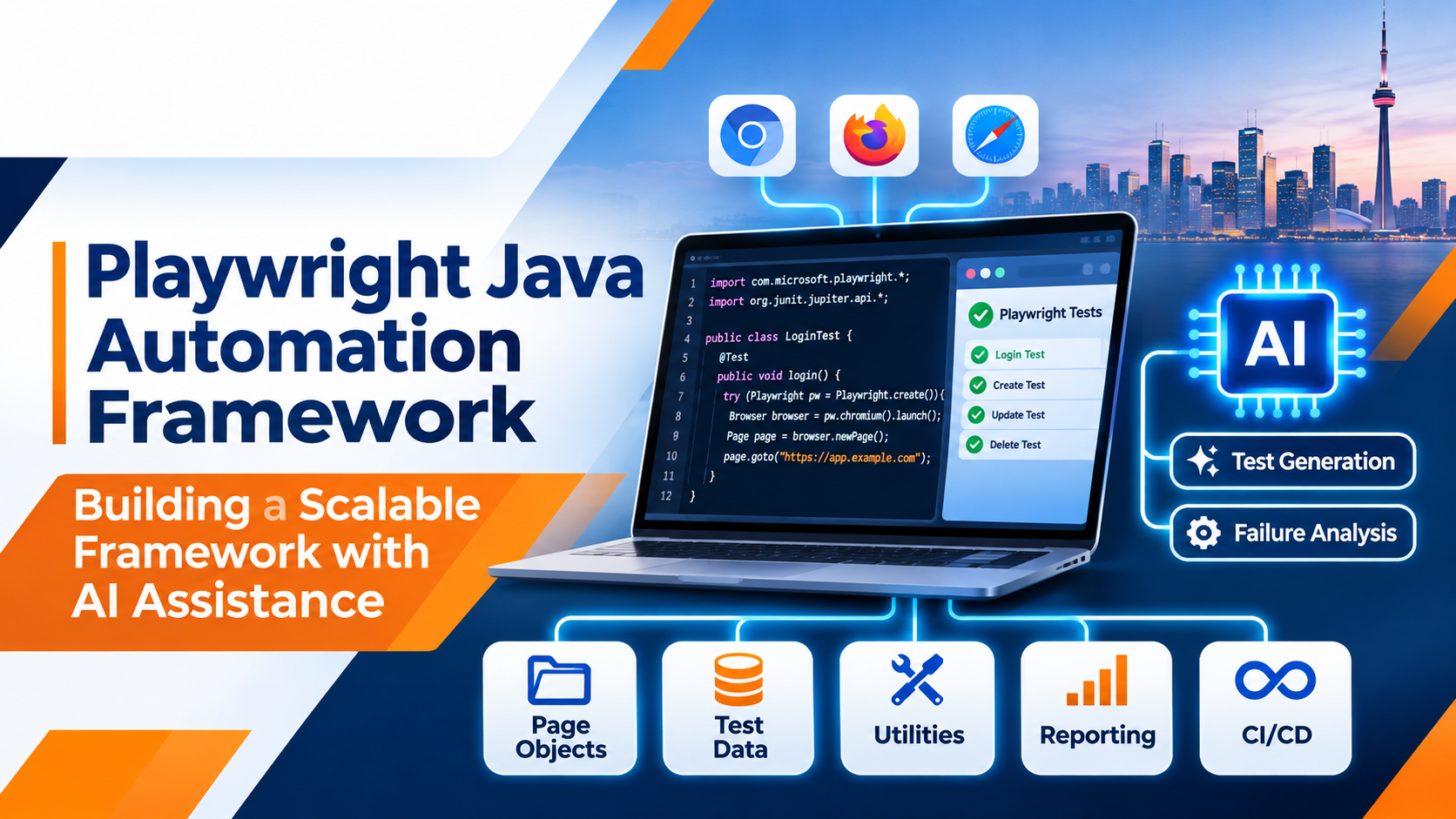
Playwright Java Automation Framework: Building a Scalable Framework with AI Assistance
Learn how to design a maintainable Playwright Java framework with Maven, TestNG, Page Object Model, reusable components, CI/CD and responsible AI assistance.
Software testing is evolving rapidly. Applications are becoming more complex, development cycles are getting shorter, and organizations expect QA teams to deliver reliable test coverage without slowing down releases. A collection of independent test scripts is rarely enough for enterprise-level automation. Teams need a structured, reusable, maintainable and scalable framework.
This is where Playwright with Java becomes important. When combined with artificial intelligence (AI), it can help automation engineers develop test scenarios, improve code, investigate failures and reduce repetitive maintenance work. For QA professionals, career changers and new graduates in Toronto and the Greater Toronto Area (GTA), understanding framework design is a practical technical skill.
1. What Is a Playwright Java Automation Framework?
A Playwright Java automation framework is a structured testing solution that uses Microsoft's Playwright library with Java to automate web application testing. Rather than writing independent scripts for every scenario, a framework organizes code into reusable components.
Imagine an e-commerce application with test cases for login, registration, product search, shopping carts and checkout. If every test contains its own browser setup, locators and repeated actions, a small application change can require updates in many scripts. A well-designed framework centralizes common behaviour and makes maintenance more manageable.
2. Why Choose Playwright with Java?
Playwright supports Chromium, Firefox and WebKit and provides Java bindings distributed through Maven. Java teams can use familiar tools and testing libraries while adopting modern browser automation capabilities.
- Cross-browser testing: Validate applications across Chromium, Firefox and WebKit.
- Auto-waiting: Playwright waits for elements to become actionable before performing supported actions.
- Web-first assertions: Assertions can retry until the expected condition is met or the timeout is reached.
- Browser contexts: Create isolated browser sessions for independent tests.
- Network capabilities: Inspect, intercept and mock network requests.
- Debugging: Capture screenshots and traces to investigate failures.
- Java ecosystem: Integrate with Maven, TestNG, JUnit and reporting libraries.
For teams already using Java, Playwright offers a path to modern browser automation without abandoning their existing programming expertise.
3. Understanding the Architecture of a Scalable Framework
A scalable framework gives each component a clear responsibility. The following is one possible project structure; adapt package names and layers to the size and needs of your application.
PlaywrightJavaFramework/
├── src/main/java/
│   ├── base/
│   │   └── BasePage.java
│   ├── factory/
│   │   └── BrowserFactory.java
│   ├── pages/
│   │   ├── LoginPage.java
│   │   ├── HomePage.java
│   │   └── CheckoutPage.java
│   ├── utilities/
│   │   ├── ConfigReader.java
│   │   ├── TestDataReader.java
│   │   └── ScreenshotUtil.java
│   └── reporting/
│       └── ReportManager.java
├── src/test/java/
│   ├── tests/
│   │   ├── LoginTest.java
│   │   └── CheckoutTest.java
│   └── listeners/
│       └── TestListener.java
├── src/test/resources/
│   ├── config.properties
│   └── testdata/
├── pom.xml
└── README.md
This structure separates page interactions, test cases, browser configuration, utilities and reporting. It also helps teams collaborate without unnecessarily modifying the same classes.
4. Implementing the Core Framework Components
A. Browser Factory and lifecycle management
A browser factory centralizes browser configuration. A production implementation should also define who owns and closes the Playwright, Browser, BrowserContext and Page objects. For parallel tests, avoid sharing mutable browser or page objects across test threads; use isolated test-scoped resources.
package factory;

import com.microsoft.playwright.*;

public class BrowserFactory {
    public static Browser createChromium(Playwright playwright) {
        return playwright.chromium().launch(
            new BrowserType.LaunchOptions().setHeadless(true)
        );
    }
}
This is a minimal factory example. In a real framework, create and close Playwright resources in a predictable test lifecycle, and configure browser type and headless mode through environment settings.
B. Page Object Model (POM)
Page Object Model separates page elements and interactions from test scenarios. Instead of repeating login locators across many tests, create a dedicated LoginPage class.
package pages;

import com.microsoft.playwright.Page;

public class LoginPage {
    private final Page page;

    public LoginPage(Page page) {
        this.page = page;
    }

    public void enterUsername(String username) {
        page.locator("#username").fill(username);
    }

    public void enterPassword(String password) {
        page.locator("#password").fill(password);
    }

    public void clickLogin() {
        page.locator("#loginButton").click();
    }

    public void login(String username, String password) {
        enterUsername(username);
        enterPassword(password);
        clickLogin();
    }
}
POM reduces duplicated code, improves readability and makes application changes easier to manage. When a locator changes, the engineer can update it in one place.
C. Test classes and assertions
Test classes should describe the behaviour being validated. The following illustrative example uses Playwright Java with TestNG and a Page Object class.
package tests;

import org.testng.annotations.Test;
import com.microsoft.playwright.*;
import pages.LoginPage;

import static com.microsoft.playwright.assertions.PlaywrightAssertions.assertThat;

public class LoginTest {

    @Test
    public void verifySuccessfulLogin() {
        try (Playwright playwright = Playwright.create()) {
            Browser browser = playwright.chromium().launch();
            BrowserContext context = browser.newContext();

            try {
                Page page = context.newPage();
                page.navigate("https://example.com/login");

                LoginPage loginPage = new LoginPage(page);
                loginPage.login("testuser", "password123");

                assertThat(page.locator("#dashboard")).isVisible();
            } finally {
                context.close();
                browser.close();
            }
        }
    }
}
Replace the example URL, selectors and credentials with your application's approved test environment and test accounts. In a production framework, move browser setup and teardown into TestNG lifecycle methods or a dedicated base test class.
5. How AI Assistance Improves Playwright Java Framework Development
AI can act as a development assistant. It can help engineers draft test scenarios, suggest code, explain errors and create documentation. It does not remove the need for Java knowledge, test design or engineering review.
1. Generate test cases from requirements
Given a requirement that registered customers must log in with valid credentials and receive an appropriate error for invalid credentials, an AI assistant can help draft positive, negative and boundary scenarios.
Act as a senior QA automation engineer.

Analyze this login requirement and create
Playwright Java test scenarios using TestNG.

Include:
- Successful login
- Invalid password
- Invalid email
- Empty username and password
- Locked account
- Error message validation

Use Page Object Model. Include positive
and negative scenarios. Identify assumptions
that require product-owner confirmation.
2. Create Page Object classes
AI coding assistants can draft page classes from requirements, supplied DOM information or existing scripts. Ask for separate locators, reusable methods, meaningful names and no unnecessary hard-coded waits. Review the generated code and verify that each selector matches the real application.
3. Improve locator strategies
AI can help review brittle selectors and recommend more meaningful alternatives. For example, a long CSS path can sometimes be replaced with a role-based locator:
page.getByRole(
    com.microsoft.playwright.options.AriaRole.BUTTON,
    new Page.GetByRoleOptions().setName("Submit")
).click();
This approach is easier to understand when the accessible role and name are stable. Always confirm that the locator identifies the intended element uniquely.
4. Debug failed tests
AI can help interpret Java compilation errors, locator failures, timeouts, assertion failures, navigation problems and test-data issues.
Act as a senior Playwright Java engineer.

Analyze this test failure and identify:
1. The likely root cause.
2. Whether it relates to a locator,
   timing, application behaviour or test data.
3. A recommended fix.
4. An improved Java code example.

Do not recommend Thread.sleep().
Use Playwright-supported waiting strategies.

Error and relevant code:
[Paste sanitized error and code here]
5. Generate test data and documentation
AI can help propose synthetic email addresses, boundary values, special characters, duplicate-record scenarios and user-role combinations. It can also turn test classes into readable documentation covering purpose, preconditions, steps and expected results. Do not paste real customer information, credentials, tokens or confidential application data into an unapproved AI service.
6. Integrating TestNG, Maven and Reporting
A professional framework needs test execution management as well as browser interaction.
- Maven: Manages project dependencies, build configuration and test execution.
- TestNG: Provides annotations, grouping, prioritization, data-driven tests and parallel execution controls.
- Reporting: Tools such as Allure or ExtentReports can present test outcomes and execution details.
A typical execution process loads project dependencies, discovers tests, launches browsers, executes scenarios, evaluates assertions and collects reports and failure evidence.
mvn clean testTest groups can be selected through Maven and TestNG configuration. For example, a project configured with a smoke group may support:
mvn clean test -Dgroups=smokeThe exact command depends on how TestNG groups and Maven Surefire are configured in the project.
7. Making the Framework Scalable for Enterprise Applications
A framework that works for ten test cases may not work efficiently for a thousand. Consider scalability from the beginning.
Playwright BrowserContexts provide isolated browser sessions. Use independent contexts for tests wherever practical, and avoid shared mutable state. Parallel execution can reduce run time, but it requires careful handling of browser resources, test data and shared application state.
Capture relevant screenshots, logs and Playwright traces when tests fail. Traces can help engineers inspect browser operations and page state during investigation.
8. CI/CD Integration: Taking Automation Beyond the Local Machine
A scalable framework should run automatically when developers submit code changes. Continuous Integration and Continuous Delivery (CI/CD) help teams execute automated tests as part of software delivery.
A GitHub Actions workflow can check out source code, set up Java, install Maven dependencies and Playwright browsers, and execute the test suite.
name: Playwright Java Tests

on:
  push:
    branches: [main]
  pull_request:
    branches: [main]

jobs:
  automation-tests:
    runs-on: ubuntu-latest
    steps:
      - name: Checkout Code
        uses: actions/checkout@v6

      - name: Setup Java
        uses: actions/setup-java@v5
        with:
          distribution: temurin
          java-version: '25'
          cache: maven

      - name: Build Project
        run: mvn -B install -DskipTests

      - name: Install Playwright Browsers
        run: >
          mvn exec:java
          -Dexec.mainClass=com.microsoft.playwright.CLI
          -Dexec.args="install --with-deps"

      - name: Execute Automation Tests
        run: mvn test
This is a starting-point workflow. A production pipeline should also retain reports, screenshots and traces as build artifacts and manage secrets securely. Confirm the Java and Playwright versions supported by your project and runner image.
9. Best Practices for Maintaining a Playwright Java Framework
- Avoid hard-coded waits: Prefer Playwright auto-waiting and retrying assertions over unnecessary fixed delays.
- Use meaningful locators: Prefer accessible roles, labels and stable test IDs.
- Keep tests independent: Avoid unnecessary dependencies between test cases.
- Follow coding standards: Use consistent naming conventions and reusable methods.
- Separate test data: Keep credentials, URLs and test inputs outside test classes.
- Review AI-generated code: Validate selectors, assertions and test logic before merging.
- Monitor flaky tests: Investigate recurring failures rather than repeatedly rerunning tests.
- Maintain documentation: Document architecture, setup and execution procedures.
AI-generated code should never be accepted automatically just because it compiles. The QA engineer remains responsible for verifying that the test validates the intended business behaviour.
10. A Practical Roadmap to Building Your First Framework
- Environment setup: Install Java, IntelliJ IDEA or Eclipse, Maven and Playwright.
- Browser automation: Learn browser launch, pages, locators, navigation and assertions.
- Framework architecture: Build browser management, Page Object Model and reusable utilities.
- Test management: Integrate TestNG, test data management and reporting.
- AI assistance: Practise test generation, locator review, debugging and documentation.
- CI/CD integration: Execute tests through GitHub Actions and publish test results.
- Real-world project: Build an end-to-end project covering login, registration, shopping cart and checkout.
11. Career Opportunities: Why Learn Playwright Java with AI?
Modern software quality and automation skills are relevant to several career paths, including:
- QA Automation Engineer
- Software Development Engineer in Test (SDET)
- Java Automation Tester
- Quality Assurance Analyst
- Test Automation Developer
- Software Test Engineer
For job seekers in Toronto and the GTA, practical knowledge of Java, Playwright, API testing, TestNG, Maven, Git and CI/CD can help demonstrate readiness to contribute to QA projects. AI-assisted testing adds another useful skill, provided professionals understand programming fundamentals, test design and responsible use of AI.
Learning a tool alone does not guarantee employment. Practical projects, technical interviews, communication skills and an understanding of the software development life cycle are also important.
12. Frequently Asked Questions
Can we build a scalable automation framework using Playwright Java?
Yes. Playwright Java can be integrated with TestNG or JUnit, Maven, Page Object Model, reusable utilities, reporting tools and CI/CD platforms.
Is Page Object Model supported in Playwright Java?
Yes. Page Object Model is a design pattern that can be implemented using Java classes to separate page interactions from test scenarios.
Can AI generate Playwright Java automation scripts?
AI coding assistants can generate initial scripts, page classes, test scenarios and debugging suggestions. Engineers should validate the code before using it in production.
Is Playwright Java better than Selenium Java?
Both are valuable. Playwright offers built-in auto-waiting, browser-context isolation and modern browser automation features. Selenium has a mature ecosystem and extensive industry adoption. The best choice depends on project needs and team infrastructure.
Can Playwright Java be integrated with CI/CD?
Yes. Playwright Java supports CI execution through Maven and can be integrated with GitHub Actions, Azure Pipelines and other CI systems.
Do I need Java programming knowledge before learning Playwright?
A basic understanding of Java, object-oriented programming, classes, methods, collections and exception handling is strongly recommended.
Can beginners learn Playwright Java with AI assistance?
Yes. AI can explain concepts, generate examples and help debug errors. Beginners should still develop their own understanding of programming, test design and framework architecture.
Conclusion: Build Smarter Automation Frameworks with Playwright Java and AI
A scalable Playwright Java automation framework is more than a collection of automated scripts. It is a structured engineering solution that supports maintainability, reusability, test reliability and continuous delivery.
By combining Java, Playwright, TestNG, Maven, Page Object Model, reporting and CI/CD, automation engineers can develop frameworks suitable for growing software applications. AI assistance can further support test scenario generation, code suggestions, locator analysis, debugging and documentation.
The future of QA automation will increasingly favour engineers who understand how to design reliable frameworks, solve testing challenges and use AI effectively.
STEP IN 2 IT · TORONTO & GTA
Build Practical QA and Automation Skills
STEP IN 2 IT supports aspiring IT professionals and career changers with software testing learning, modern automation concepts, AI-assisted testing approaches and career development.
- Practical software testing and QA learning
- Modern automation technology concepts
- AI-assisted testing approaches
- Career guidance and job placement assistance
Explore learning and career development opportunities in Toronto and the Greater Toronto Area.